Showing posts with label planner. Show all posts

Tuesday, May 12, 2015

My Team

First and foremost: Oh. My. Goodness. It is absolutely ridiculous how long it has been since I wrote a blog post! I truly apologize for that. Good news is: we have plenty to cover! Bad News Is: I have missed you all! Moving On...

It takes a village to raise a child. It takes a team to make a celebrity red-carpet-ready. Well, it takes
multiple planners to keep me on track! I am not kidding! Jump on instagram and search some tags like "plannernerd" or "plannerjunkie." You will see that I am not alone! I have three planners. Yes, three. However, they all serve a slightly different purpose. If you think that's a lot, (again) hop on instagram and see just how many women join me in utilizing more than 1 planner! So what all do I use these for? I am so glad you asked!

1. My FoxyDori, made by Kelly - one of the sweetest Etsy sellers you will ever meet. It's fuschia (she calls it DragonFruit. Who cares?! It's gorgeous!), with my initials in the bottom right corner....Perfection.
So, What's In It? My MayDesigns notebooks, all of which serve their own individual purpose. This planner is all about me: my schedule, personal goals, personal to-do list, etc.. And it goes everywhere with me.

  • An Agenda: This helps me keep track of the most important parts of my day (to do lists, errands, things to remember, etc.)
  • An Address Book: Sometimes, I have a card in my purse to mail, but I have forgotten to write (or finish writing) the address. This is where my on-the-go address book comes in handy!
  • A Meal Planner: This includes a weekly space to write out the meals for each day, and another space to write out my grocery list! So handy.
  • A Budget Book: I'm terrible about writing out expenses AFTER I get home. I usually end up shredding the receipts before I remember to write them down in my check register or my budget tracker. This allows me to keep up with expenses WHEN they happen!
  • A Notebook: This is just plain lined notebook paper. I use this to write down to-do lists, doodle, or even write important info given to me while I'm on the go.

2. My Erin Condren Life Planner. This planner is a little more broad in terms of what I write in it/plan in it. This is more of a "family" planner, but still is mostly focused on my personal daily to-do lists. I plan out any important events for J (my hubby) or T (my stepson) in here as well. Family member's birthdays, as well as their important events are noted in here as well. This planner frequently makes an appearance out in public with me, but doesn't necessarily travel everywhere I go.

  • Weekly Spreads Include: Birthdays, daily to-do lists, errands to run, doctors' appointments, work check lists, my daily work schedule, reminders, etc.
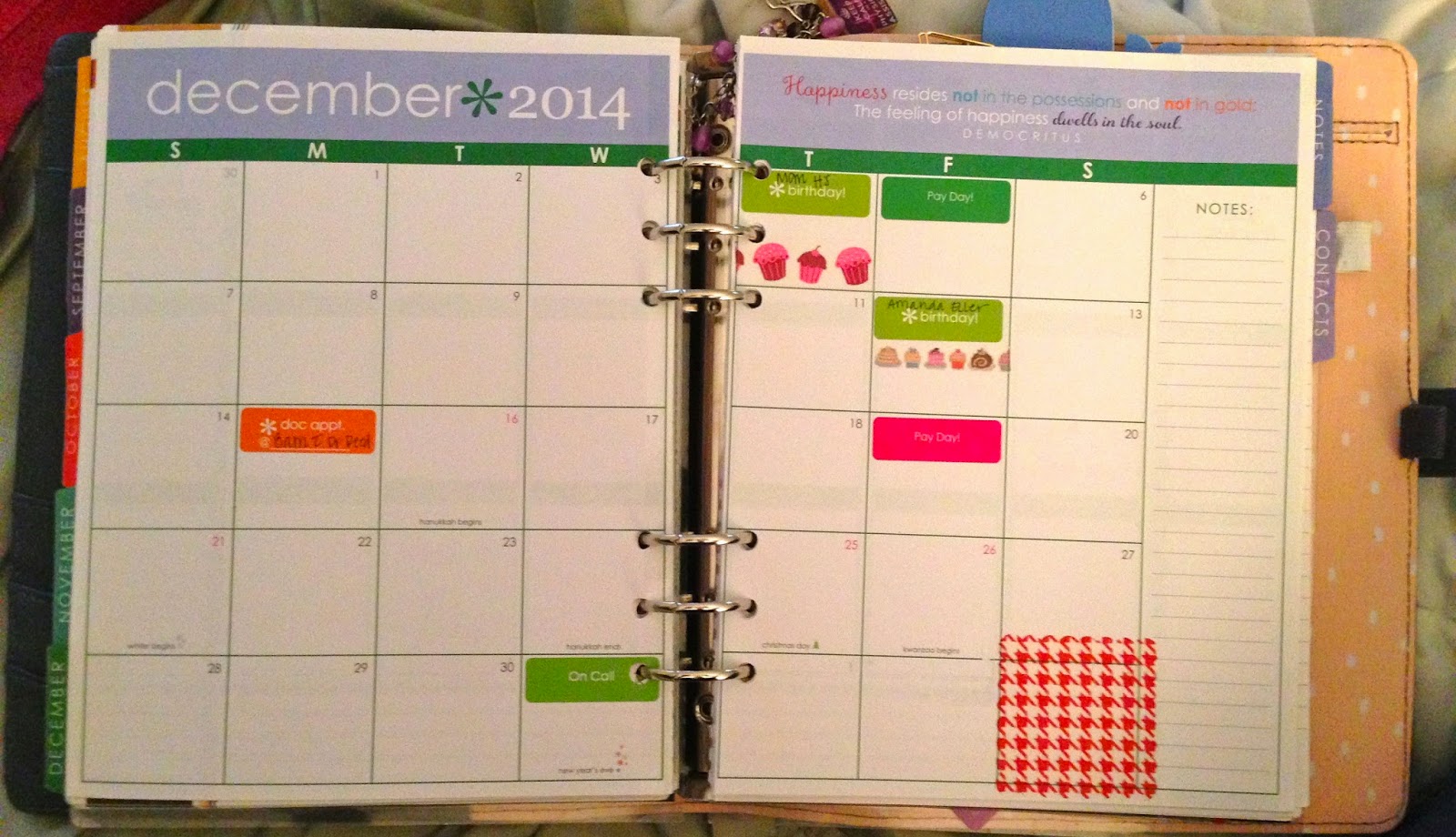
  • Monthly Spreads Include: Birthdays, Big events (i.e., anniversaries, graduations), vacations/trips, when my stepson visits, my husband's retreats. I also use my notes section on each month to track my PTO so that I make sure I don't go over!

3. My Inkwell Press Planner. This is truly a family planner. It lives on my bartop in my kitchen. This has everything going on in our family in one place: J's work schedule, my work schedule, T's visits, J's Honey-Do list, my goals for around the house each week, meal plans, work out goals, etc.. What I really love about this planner is the extra notes pages after each month and the goals page included each month. It's great for a business-minded woman (OR a woman on a mission to get out of debt!). While mine is not personalized on the cover, it does generally come with personalization. I ordered mine on sale when personalization was no longer offered.

  • Weekly Spreads Include: Both of our work schedules broken down by time each day, dinner plan, work out plan, pay days, honey-do list, errands to run, and weekly goals for around the house.
  • Monthly Spreads Include: Pay Days (we get paid on different days of the month), T's visits, big events, J's retreats, our vacations, my call weekends, etc. 

See?! It really does take a village to keep me on track!  Hopefully, this helps provide you with some inspiration on how to utilize multiple planners. My recommendation is to make your smallest planner your go-to on-the-go planner with your larger planners being more flexible to stay at home. If you like my magnetic clips, check out OliClip on etsy. Like the stickers you see?! Check out my instagram (@mrshenleyplans) for vendors or stay tuned for a new weekly blog feature (Coming Soon!): My Favorite Etsy Vendors.

Thanks for stopping by!

Monday, July 28, 2014

Setting Up Your Week in Your Erin Condren Life Planner

After my post last week about making your ECLP perfect for you, I received many requests to create/write a follow up post on how I set up my weekly layouts. Now, please understand that while this is a perfect system for me, it took me time to get my system set up like I like it! So if it doesn't work for you on the first try, give it some time and experiment with it! However, I will definitely provide you with a step-by-step of how I set up my weekly layouts.

1. I generally put recurring dates in my planner in the monthly layouts as soon as I get the planner. These "recurring dates" include (but are not limited to): birthdays, anniversaries, pay days, etc. Other important dates I include in my weekly view are: weddings, days off work, Saturday work days, weekends my stepson visits, J's retreats/conferences for work, my conferences. I try to keep my monthly layouts a simple as possible so that I don't go cross-eyed trying to figure out what date something is happening on when I transfer it to the weekly views. It's not a perfect method, and some things do get missed. However, I have gotten used to my system and very few items are missed or skipped (actually, none recently!).

2. I start out by putting important dates for that week on a sticky note. I add to it as I get closer to the week, as my work schedule is given to me, or as events/trips/etc. are brought to my attention. I received these cute little iPhone sticky notes as a gift, but I believe someone said she was able to find them at Walmart.
3. I then start by adding stickers for work days off, Saturday work days, birthdays, etc. I generally put these at the top of the column for that day (yes, it does cover the "morning" label). You can see below where I have already added in my "Day Off Work" and "Saturday Work Day" stickers at the top of the applicable day. I generally place my Pay Day stickers over the night section on Pay Day to allow myself room for a checklist of where money needs to go: bills, loan payment, savings, etc.
SIDEBAR: Several people have asked me "How do you determine what you use a sticker for and what you just write in?" I've come up with a "sort-of system," meaning that I sort-of have a system and I sort of do whatever I feel like. I've ordered custom stickers from EC for things that occur regularly for me: my stepson's visits, Bible study, Delivery Days, Errands to Run, Conferences, J on Retreats. Obviously, when those events occur, I already have stickers for said occasion, and I can just utilized those. Now, for events like weddings, parties, showers, etc., I use EC's pre-printed stickers. Important events/things I don't want to miss or forget, I add in on a sticker, so that it stands out more from other things on my to do list (ex: applying/getting a marriage license). Also, for things that I want to do/make sure I don't forget that I have a fun applicable washi tape, I use stickers and my coordinating washi tape (Ex: mani/pedi and Finalizing my honeymoon Itinerary!). Most of the more everyday life kind of things, I just write in with little check boxes beside them - we'll get there, I promise!


4. Add in events that will occur over several days. For me, this is marked off with washi tape and a sticker/label. This includes when J travels for conferences or retreats, when we are out of town, or when we have my stepson for several days. Generally, it looks something like this:
5. I then add in my work schedule, using washi tape to cover the "morning" and "day" labels to write down where I'll be each morning and afternoon for work, since it varies daily, weekly. Once that is done, I figure out what stickers/washi tape I have that correspond to what I need to do that week. If I have corresponding washi, I use a label sticker. If I have a sticker for it, I hand write it in. Other, more day-to-day to-do lists are just hand written in. I then decorate with fun stickers: fruits, whales, hearts, etc. 
The best advice I can give you is to have fun with it! Play around and figure out what system works best for you. Just because it makes my life easier doesn't mean that it will work best for you! Enjoy decorating and figuring out your own system! :)

Saturday, July 19, 2014

Making Your Erin Condren Life Planner Work For You

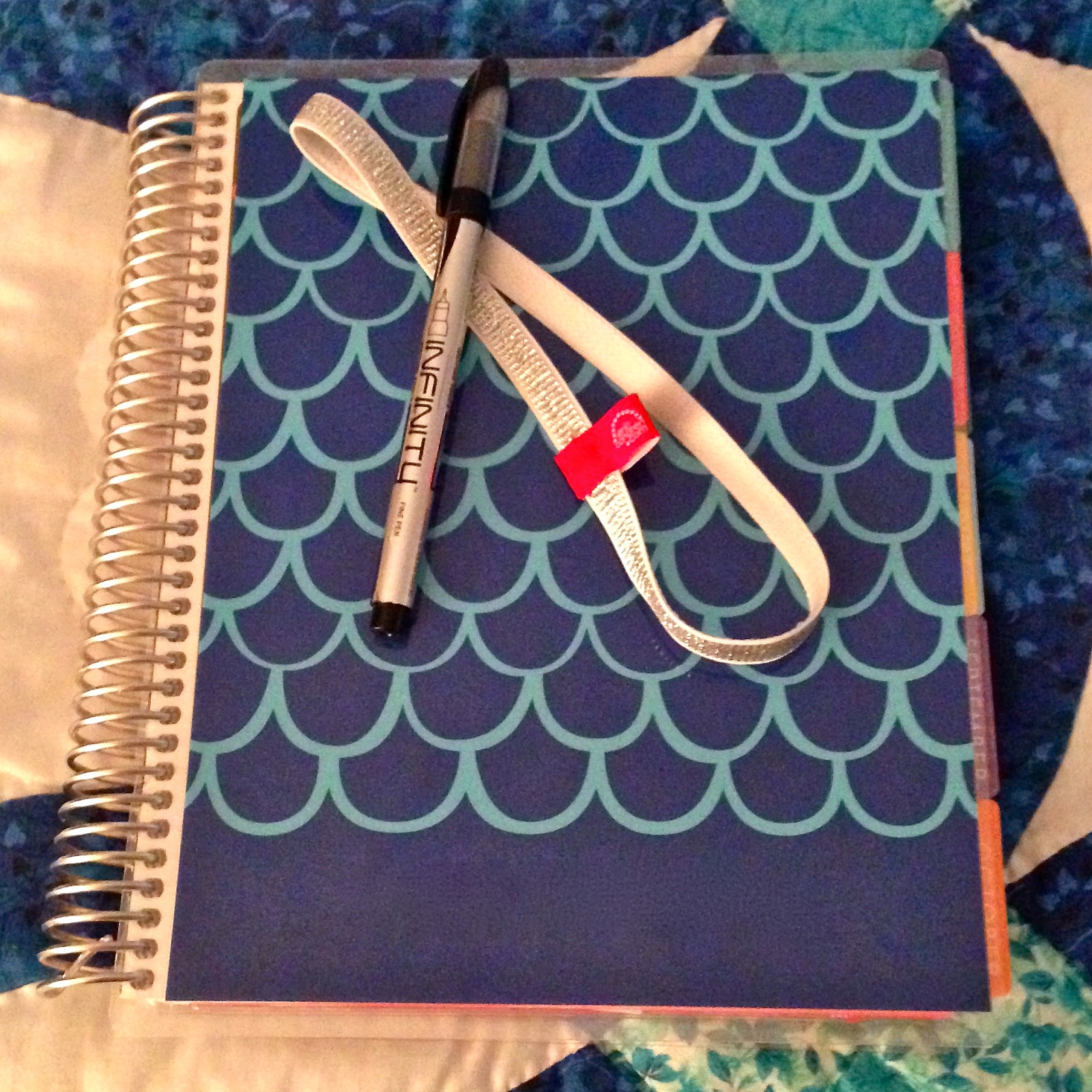
My original beauty. I *might* have purchased 2
additional covers. Shhhh!
Let's face it: sometimes there's not a perfect product on the market, but there's one that comes *this* close to perfection. So how to you purchase said "this-close-to-perfection" product and make it your own?! Well, if it's an Erin Condren Life Planner (ECLP), look no further! I'm obsessed with all products Erin Condren. The list of items/products I have purchased her is too long (and possibly embarrassing?) to list. Let's just say it's a slight problem. When I purchased my first LP 18 months ago, I was fairly "boring" with how I utilized it - black pen and some check boxes, nothing more. I didn't realize all the possibilities that you can create for yourself when it come to this amazing planner! I thought that there was a slim chance that someone else was feeling like I was - they had the perfect product and felt like they weren't utilizing it to its full capacity. So here is how I have made my ECLP perfect for me!

Let's Get Started!

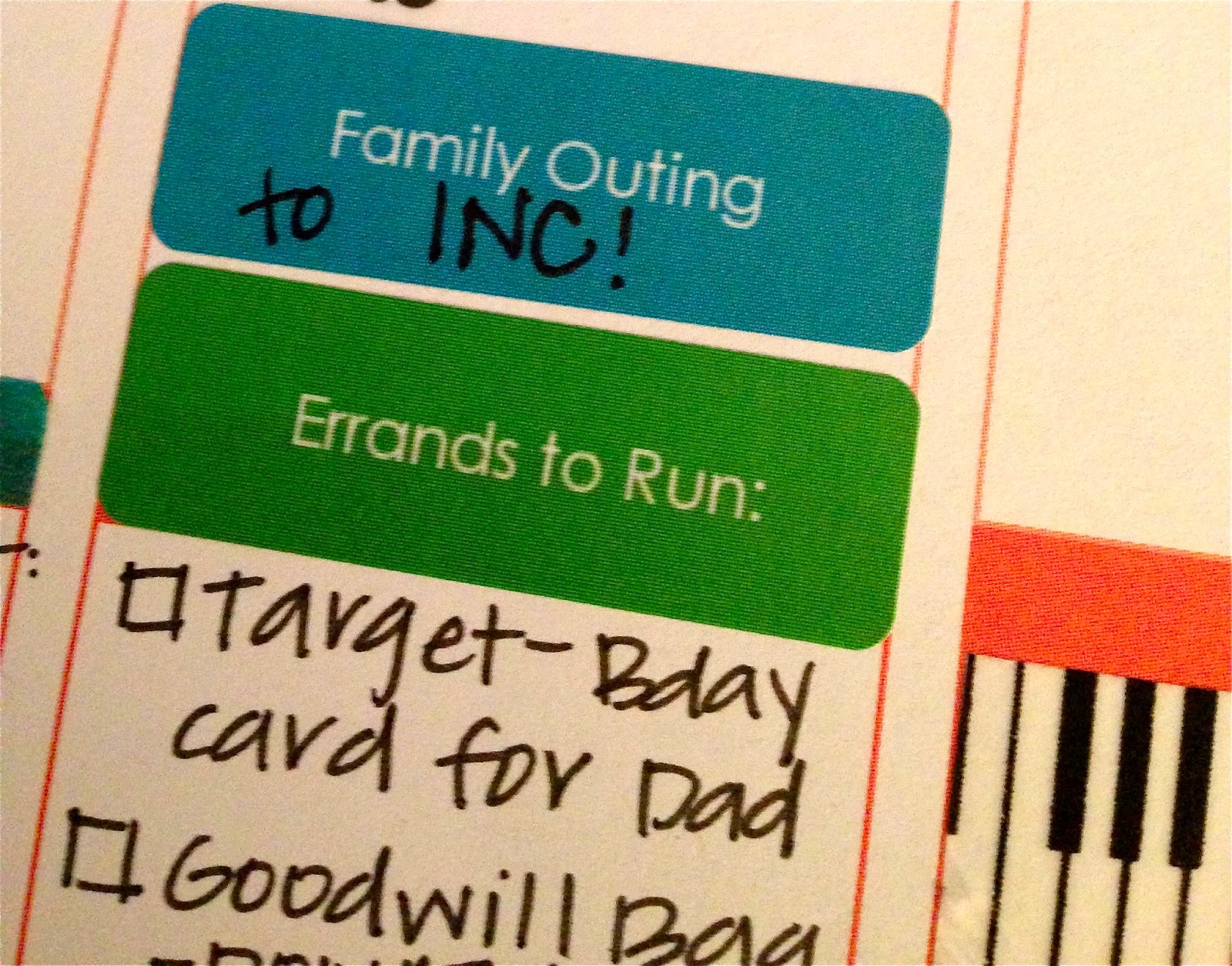
1. Custom Stickers: EC herself provides you with an option to create custom stickers on her website. Want to mark Pay Day? How about Anniversaries? Look no further than your source for an ECLP! There are PLENTY of outside sources for custom stickers if you don't like the price tag of the EC custom stickers. Here's a list of my favorite sources for custom stickers (Click on Site Name to be taken to their page!): Sizemore Designs, Love Affair With Paper, and KrissyAnneDesigns! Your options are endless, but these are few of my favorite sites!
"Family Outing" and "Errands to Run" stickers from Erin Condren
2. Page Markers: EC has an adorable clear page marker that comes with the planner. I'm not a fan. That doesn't mean YOU won't be. I have a preference for other (adorable) means of marking my pages. Those include (but are not limited to):
  • Adorable coffee mug, animal, and weather kawaii paper clips, as found at KawaiiPaperie on etsy.
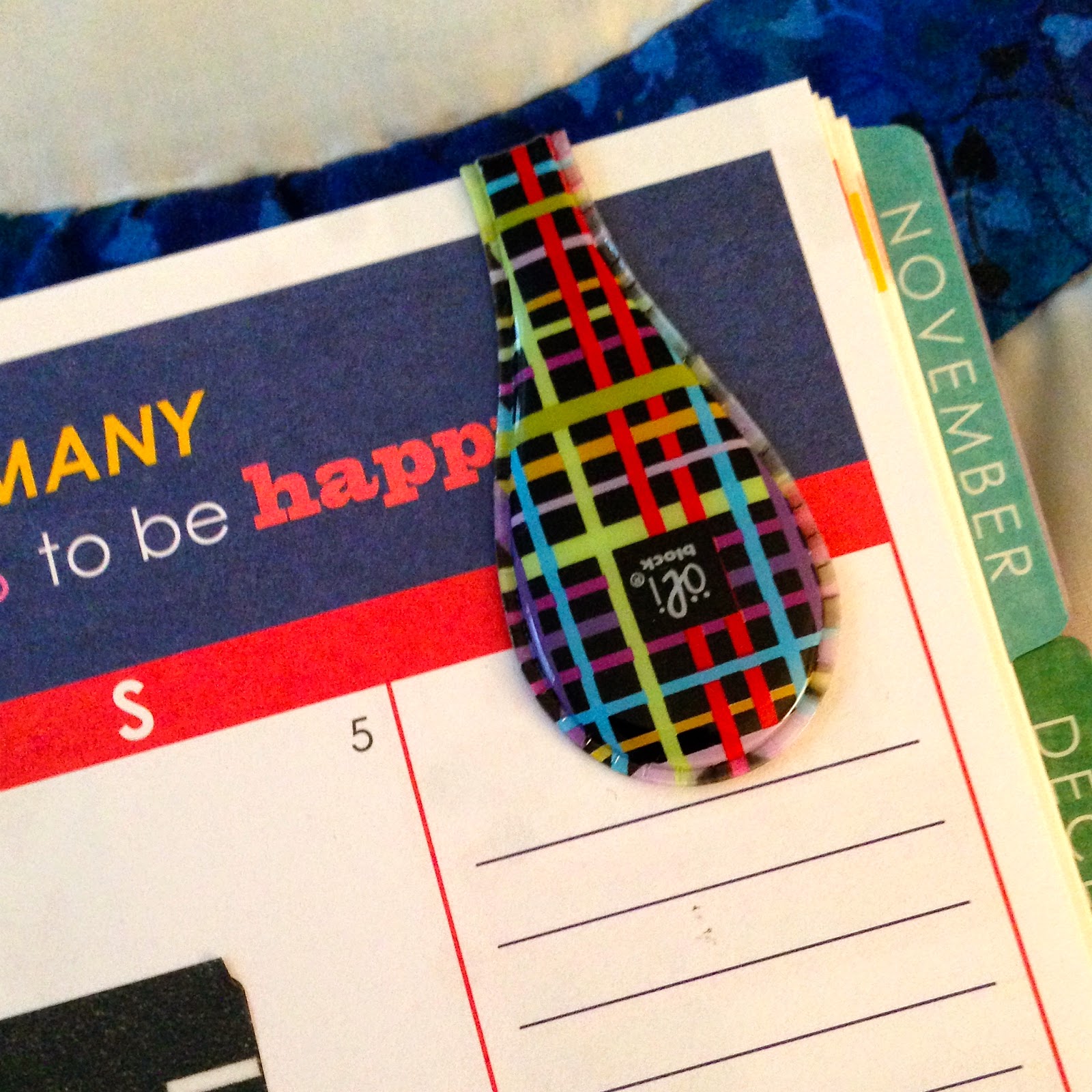
  • OliClips: Generally these gems are found at The Container Store, but there has recently been a shortage. Rumor on the street is that they will be available again on etsy soon, as well as in-stores again soon. Can't wait that long? Check out the facebook group "OliUClip by OliBlock."
One of the many cute patterns available on the OliClip
  • Want something cute, but simple? Check out these ribboned paper clips at MadeYouLookNovelities on etsy! 
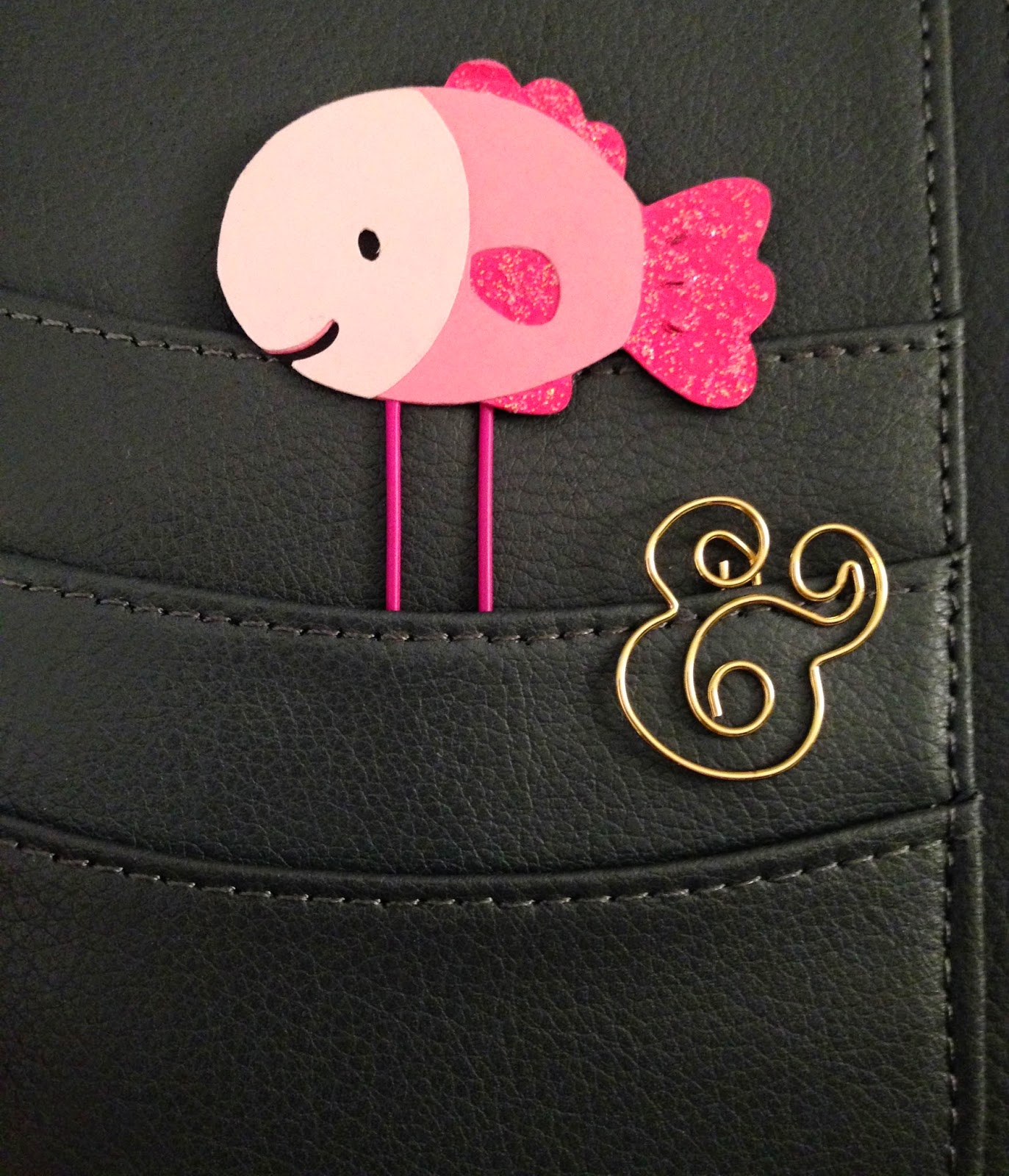
  • Kate Spade: Kate Spade makes some absolutely adorable paper clips! Bow shapes, ampersand, exclamation point...adorable! Find them on amazon or if you want just one, check out MyQueenBeeDesigns on etsy.
Fish from KawaiiPaperie and ampersand from
MyQueenBeeDesigns, both found on etsy.
3. Washi Tape: Watch out - it will become an obsession. Don't say I didn't warn you! It's starts with "Oh just these few rolls and I'll be set." Then it turns into "Oh, I need 15 shoeboxes to store my collection." You can use it to mark events that occur on more than one day (i.e. vacation, road trips, retreats, etc.), decorate your daily view, mark out a time you will be doing something (i.e. DIY project, napping, driving, studying, etc.). Oh - you want my favorite places to buy this new soon-to-be collection you will own?! Of course! Check out ACherryOnTop, Pikwahchan, Washi Tape Maniac, Mind the Wrap, and LightLife.

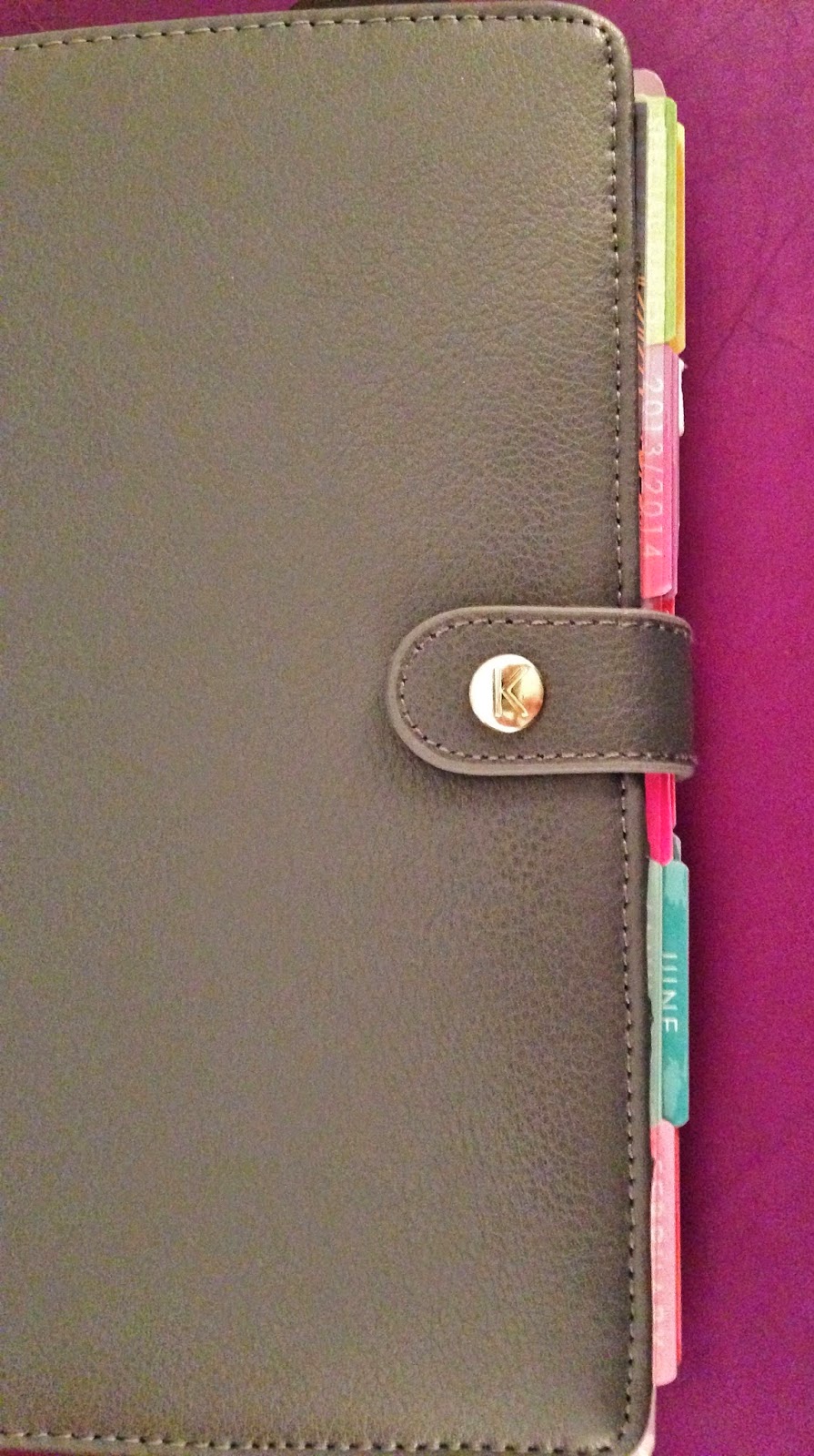
4. The Binding: I am obsessed with the spiral binding for the ECLP. But maybe that doesn't work for you. Check out Kikki K or Filfofax (A5 size). There's tons of tutorials on youtube on how to put your uncoil your planner, trim the edges off and punch it to fit into an A5 Filofax, place it in a Leather Personal Kikki K Planner, or use the Arc system. It doesn't matter what you choose to do - there are so many others who have done the same thing that you are bound to find a tutorial!
Example of my ECLP in a Kikki K
The tabs on my ECLP in a Kikki K.
5. Colorful Pens: I love Papermate Flairs. They are colorful, but don't bleed through the page like some pens do. I also love the Infinity pens, as well. They are also great for the ECLP and don't bleed through the page.

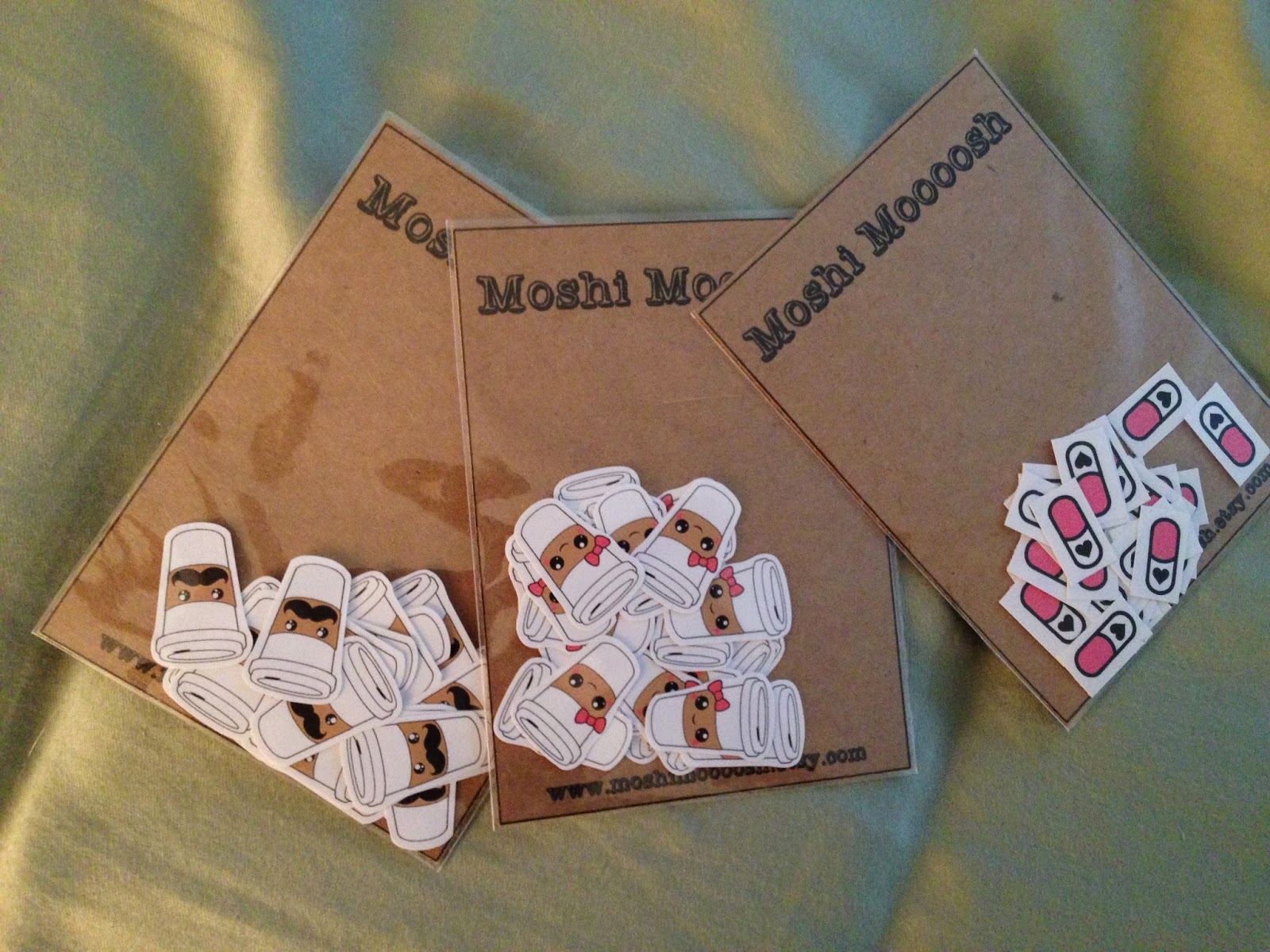
6. Decorative Stickers: Not so sure about washi tape? Check out the scrapbook stickers at your local craft store to add some flair! I would not recommend any stickers that are 3D, but some adorable seasonal stickers, holiday stickers, even cutesy fruit (or whales or hearts or....you get it) can add some adorable pops of color and fun without taking up too much room! My sweet friend Marci has a store with some adorable stickers to mark trash day, coffee time, and she'll even do custom orders. Check out her store! Or I love the stickers you can find in Moshi Moooosh.  Want some little miniature stickers? Check out KawaiiStickers4You on etsy.
My recent purchase from Moshi Moooosh.
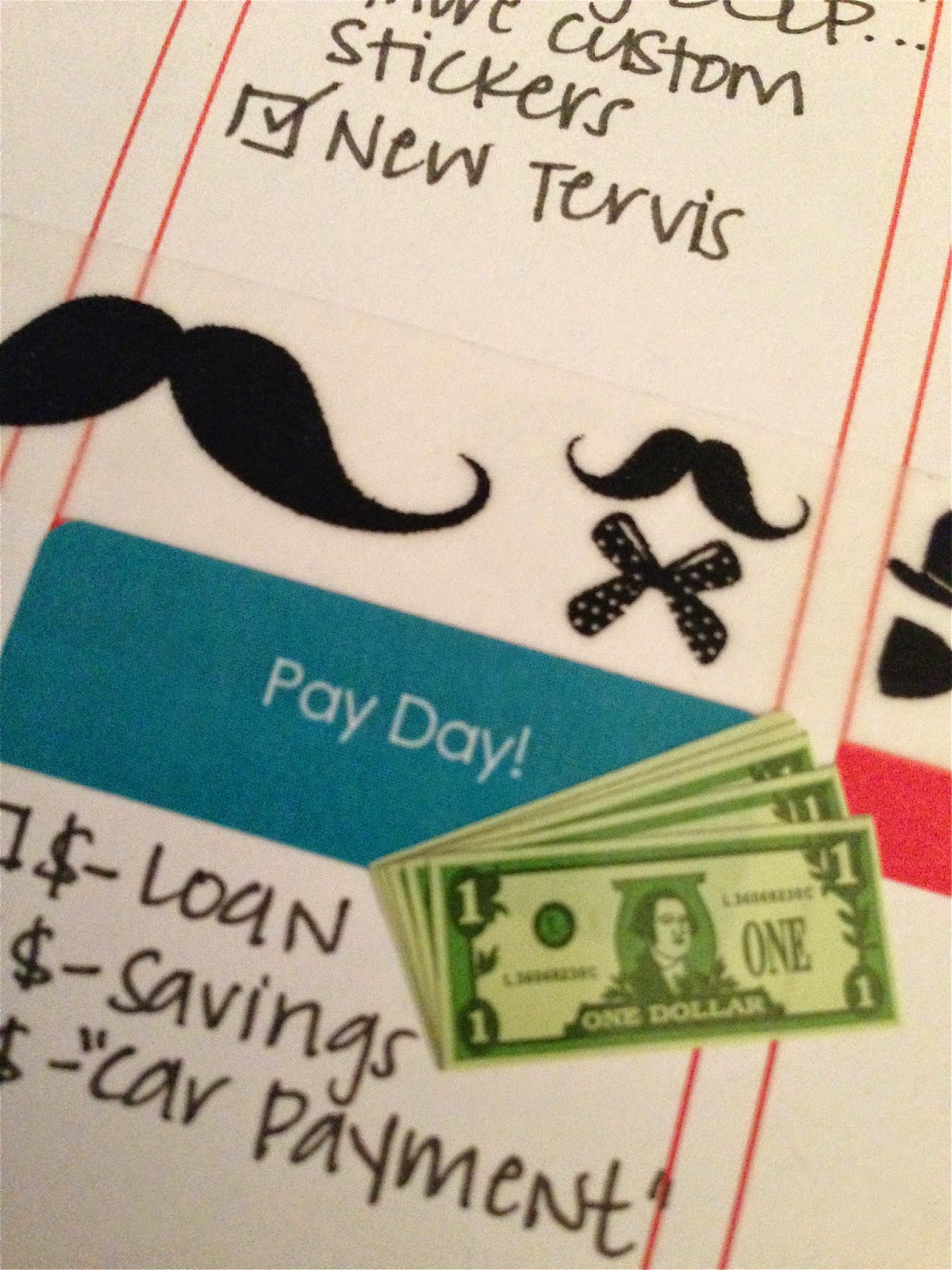
Dollar Stickers from Mrs. Grossman's website!
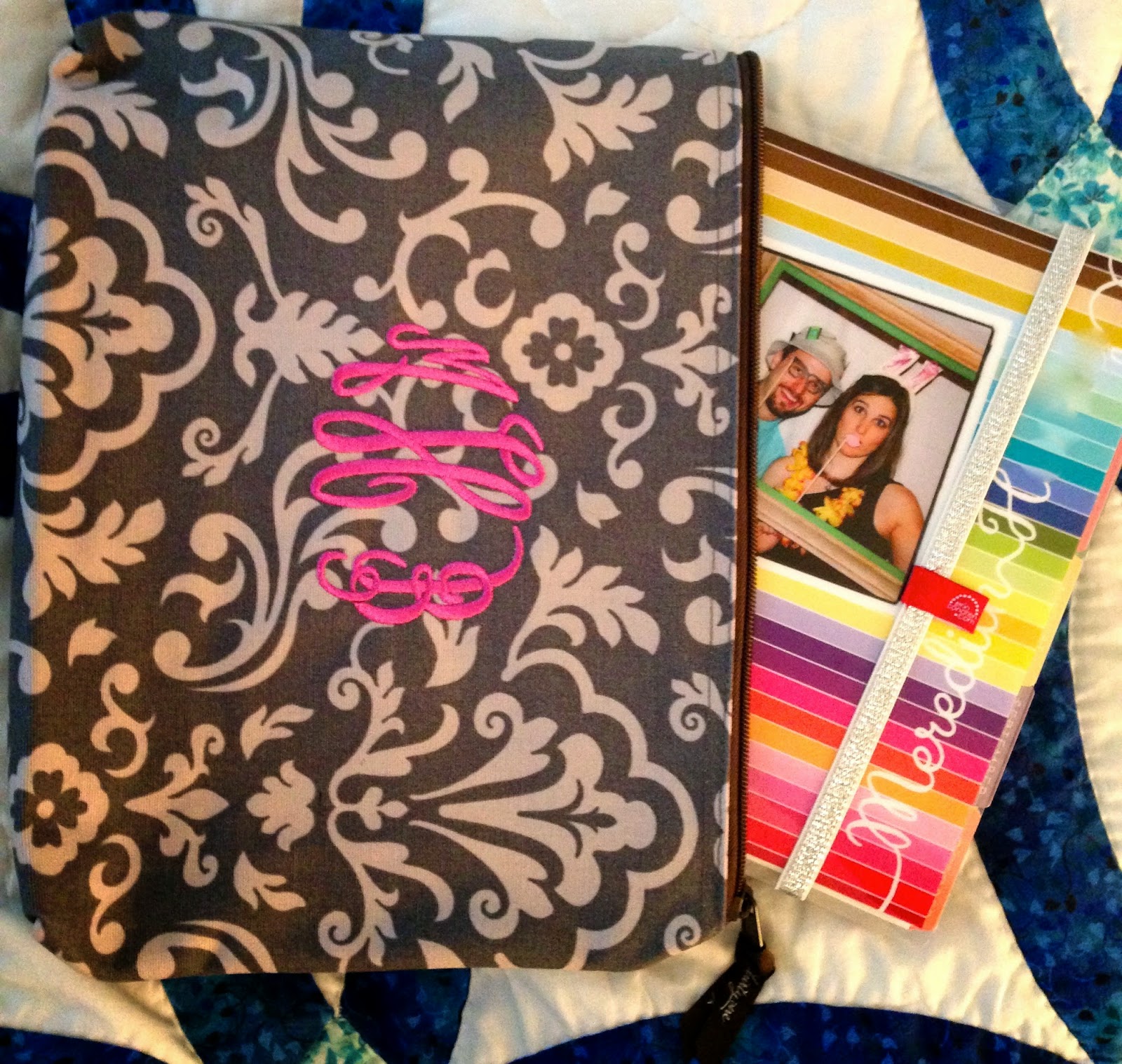
7. Cases: For some of you, slapping one of EC's adorable "Keep It Together" bands is perfect! For me, I get annoyed when the coils get caught in something else in my purse or work bag. Enter ThirtyOne product "Zipper Pouch" (No kidding - it's called that. Easy, huh?!). I love it. It's big enough to fit my ECLP and pens in! Maybe you just convert your planner to a Kikki K or Filofax and that's enough? Either way, it's totally your personal preference.
My ThirtyOne Zipper Pouch and ECLP.
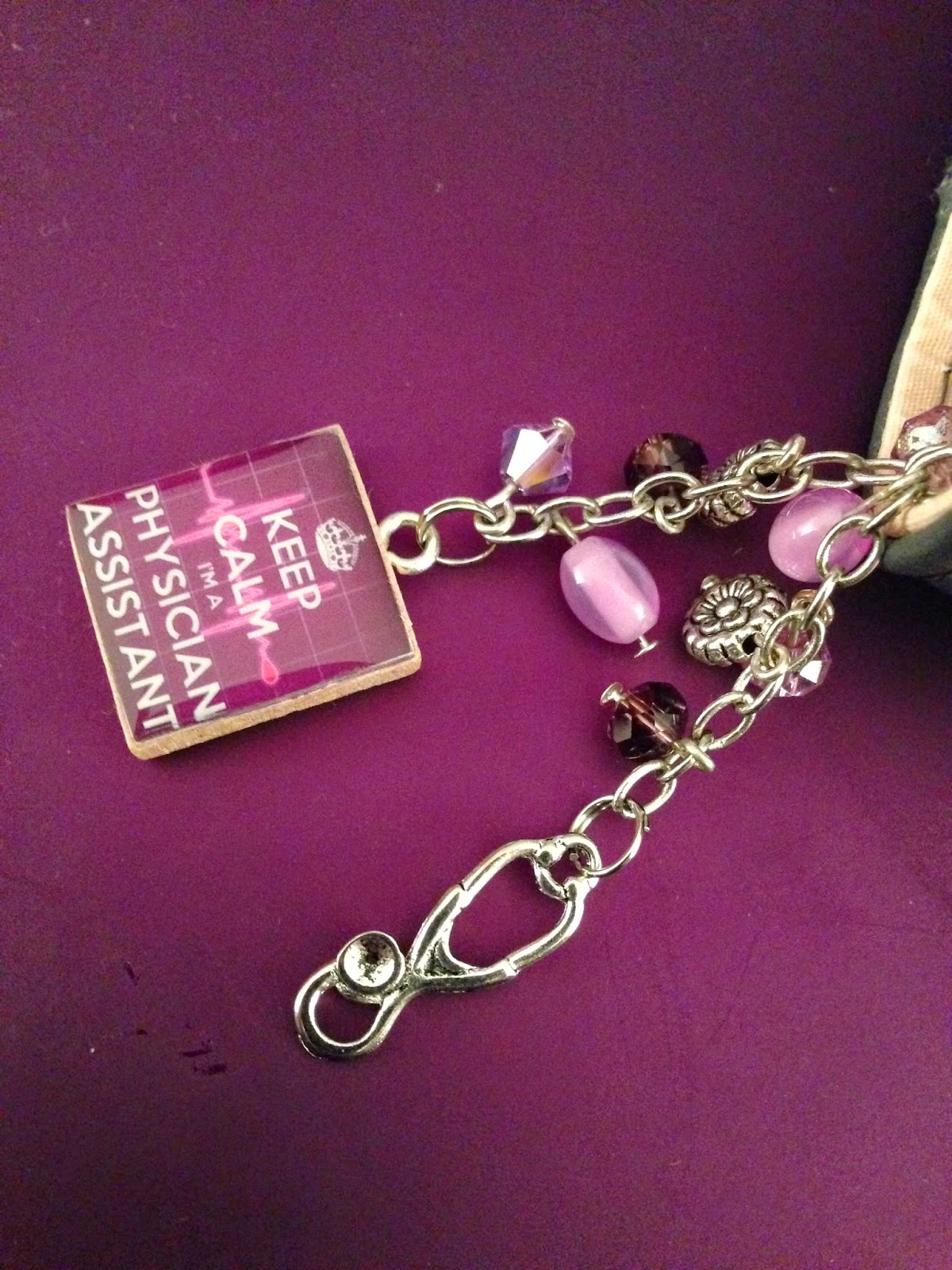
8. Planner Charms: Add some adorable flare and flaunt your favorite activity with a planner charm! Check out CraftersRetreat on etsy! Shelly makes adorable custom charms, and she'll even make one specific to your requests! She's a doll to work with! :)
My adorable custom charm from CraftersRetreat.
9. Covers: Erin Condren now makes it so easy to change out your cover on your ECLP. She even sells covers separately for $10.95. What better way to update your planner than switching out the cover?!

Do you have ideas that weren't mentioned?! Comment below! I know there is plenty of creativity out there with these adorable ECLPs, so share the wealth! :)